
Creating a productive home office space is essential for anyone who works remotely or spends significant time at home on their professional tasks. A well-designed workspace can improve focus, reduce stress, and help maintain a healthy work-life balance. Whether you have a dedicated room or a small corner, there are many ways to optimize your environment for maximum productivity. Here are some useful tips to help you create a home office that works for you.
Choose the Right Location
Find a Quiet Spot
Select a space in your home where you are least likely to be disturbed. This could be a spare room, a section of your bedroom, or even a quiet nook in the living area. The goal is to minimize noise and distractions so you can stay focused.
Consider Natural Light
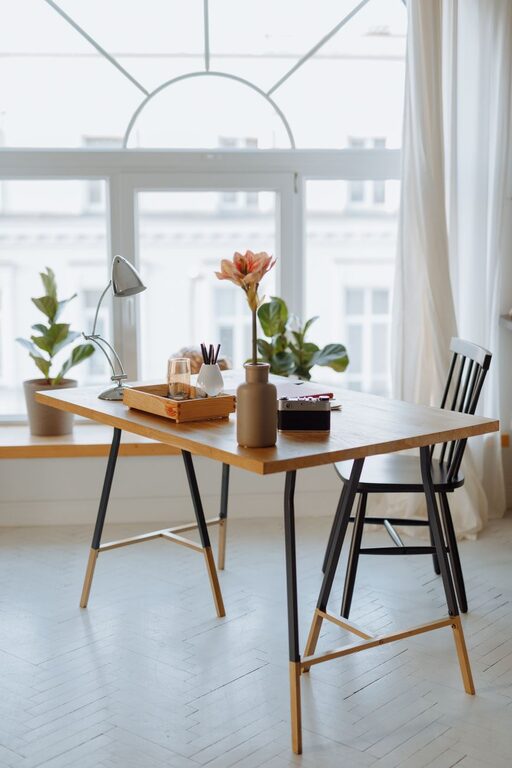
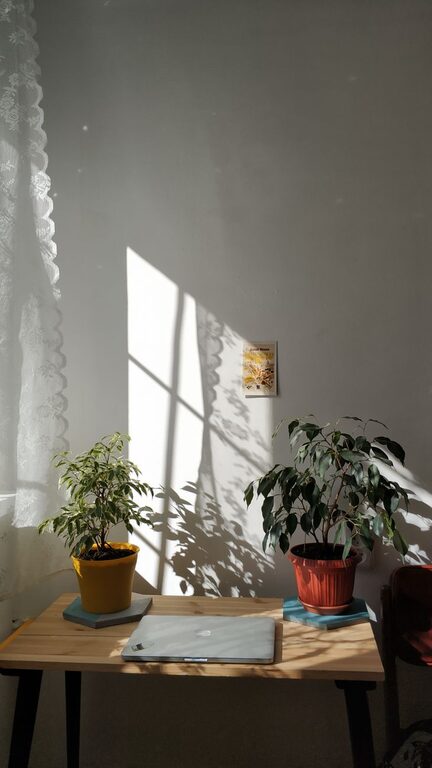
If possible, set up your office near a window to benefit from natural light. Sunlight can improve your mood and energy levels, making work feel less tiring. Just be mindful of glare on your computer screen, and consider adjustable blinds or curtains.
Invest in Comfortable Furniture
Get an Ergonomic Chair
An ergonomic chair supports good posture, reducing the risk of back pain and discomfort during long hours of work. Look for chairs with adjustable height, lumbar support, and comfortable cushioning.
Choose a Suitable Desk
Your desk should be large enough to hold your computer, paperwork, and other essentials without feeling cramped. Adjustable desks that allow you to switch between sitting and standing can offer additional health benefits.
Organize Your Workspace Efficiently
Declutter Regularly
A tidy workspace helps clear your mind and reduce stress. Keep only items you frequently use on your desk. Store paperwork, supplies, and other items in drawers, shelves, or organizers.
Use Storage Solutions
Invest in filing cabinets, shelves, or storage boxes to keep your office materials neat and accessible. Label containers for easy identification and maintain a routine to put things back in their place.
Manage Technology and Cables
Optimize Your Tech Setup
Ensure your computer, monitor, keyboard, and other devices are positioned comfortably to reduce strain. Use a monitor stand if needed to keep the screen at eye level.
Tame Those Cables
Cables can quickly clutter your workspace and cause frustration. Use cable organizers, clips, or sleeves to bundle and hide wires for a cleaner look and safer setup.
Create a Personalized and Motivating Atmosphere
Add Personal Touches
Incorporate elements that inspire you, such as artwork, plants, or motivational quotes. A visually pleasing space can make your workday more enjoyable.
Use Color Wisely
Choose colors that promote focus and calm. Soft blues, greens, or neutral tones are often recommended for workspaces. Bright accents can add energy without being overwhelming.
Establish Boundaries and Routines
Set Working Hours
Define specific hours for work to help separate professional tasks from personal time. Communicating your schedule with family or housemates can help minimize interruptions.
Take Breaks
Regular breaks prevent burnout and keep your mind fresh. Use timers or apps to remind yourself to stretch, move, and rest your eyes throughout the day.
Enhance Comfort and Well-being
Maintain Good Air Quality
Keep your workspace well-ventilated to avoid stuffiness. Use an air purifier or add indoor plants to improve air quality naturally.
Control Temperature and Lighting
Make sure your office space is neither too hot nor too cold. Use desk lamps or adjustable lighting to reduce eye strain, especially if natural light is limited.
Additional Tips for Success
– Use noise-canceling headphones if your environment is noisy.
– Keep a whiteboard or notepad nearby for jotting down ideas and to-do lists.
– Set up a dedicated internet connection, if possible, to avoid connectivity issues.
– Dress for work to mentally prepare yourself, even if you are working from home.
By thoughtfully arranging your home office and maintaining healthy work habits, you can create a space that supports both productivity and well-being. Experiment with different setups and routines until you find what works best for you. A well-planned home office not only boosts your efficiency but also contributes to a more balanced and enjoyable remote work experience.
About the Author